What to take away
- Name and verify each stage of the lead journey.
- Fire success events from confirmed outcomes, not attempted actions.
- Keep advertising attribution separate from operational truth.
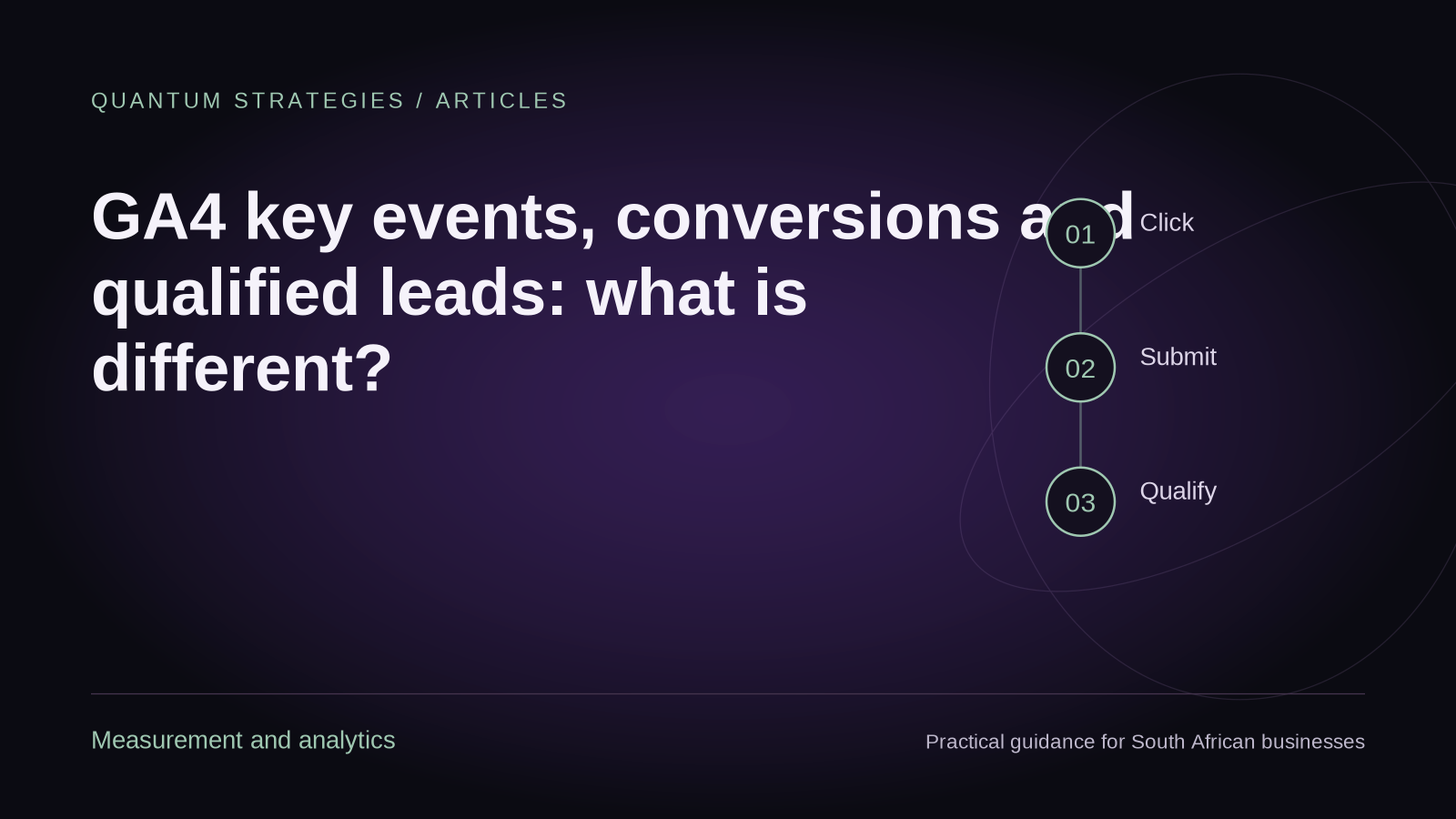
Click
Interest in the next step
Submit
Accepted enquiry
Qualify
Confirmed service fit
Outcome
Recorded business result
Illustrative business stages; each requires its own evidence and may contain duplicates or drop-off.
Define the stages in ordinary business language
Begin with the process your team actually follows. A visitor clicks an enquiry link, completes a form, receives an acknowledgement and is contacted by the business. Someone then decides whether the need fits the service, prepares a proposal where appropriate and records the outcome.
Choose a definition for each stage before naming events. “Qualified” might mean a relevant need, an available service area and a realistic next step, but the business must agree its own criteria. A form cannot establish those facts merely because its required fields were completed.
| Stage | Evidence needed |
|---|---|
| Enquiry click | The measured link or button was used |
| Accepted submission | The server accepted and recorded the enquiry |
| Qualified lead | An authorised person applied agreed qualification criteria |
| Won work | A reliable business record confirms the agreed outcome |
| Revenue received | The relevant financial record confirms payment |
Understand the platform terminology
In GA4, important measured events can be marked as key events. Google Ads conversions serve advertising measurement and optimisation. Google documents how a conversion can be created from a GA4 key event through the connected account workflow.
These labels describe reporting configuration. They do not verify the commercial meaning of an event. Marking an enquiry-button click as a key event still measures a click. Creating an advertising conversion from it does not prove that the business received a lead.
Choose events that match observed actions
Google recommends event names including generate_lead and later lead-stage events such as qualify_lead. Use an event only when the corresponding action is actually recorded. Later stages require a reliable operational process; they should not be inferred from a page view or time spent on the website.
For a form, define successful submission as a server-confirmed outcome, not a press of the Submit button. Also define what happens when delivery fails, a visitor refreshes the receipt or the same request is retried. The implementation should avoid counting the same accepted action repeatedly.
- Write the trigger in plain language.
- Identify the system that can verify it.
- Choose the event name and allowed non-personal parameters.
- Define how duplicates and retries are handled.
- Record who owns the event and how it is tested.
Test success and failure paths with fictional data
Test a valid enquiry, missing information, a server rejection and a repeated request. Confirm the operational record first, then check the corresponding analytics event when consent and the test configuration permit it. A visible thank-you message is not sufficient evidence that the lead reached the intended process.
Google’s DebugView can help inspect events during authorised testing. It verifies what the analytics implementation sends, not whether staff received, qualified or sold to the enquirer. Keep the test result and the business-process check as separate evidence.
Worked example: three numbers that should not be merged
In a fictional month, a service website records 80 enquiry-link clicks. The server accepts 25 submissions. After removing duplicates and reviewing the requests, the team records 12 qualified leads. These are three different measures, not contradictory versions of one total.
The business might investigate why some visitors do not complete the form and why some enquiries do not fit. It should not report 80 leads or treat 25 submissions as 25 sales. If the same reporting period includes repeat enquiries or a longer sales cycle, define how those are handled before calculating a conversion rate.
Compare systems using consistent settings
Analytics, an advertising platform and a CRM can show different totals because their scope, timing, attribution and counting rules differ. First confirm that they are measuring the same action over a comparable period. Do not adjust a report merely to make every number match.
For advertising, review which conversion actions influence bidding and whether duplicate measurement paths exist. Changing these settings affects how campaigns are evaluated and managed, so make changes deliberately with the authorised account owner. A website content project does not by itself establish that conversion configuration is correct.
Keep private details in the operational record
An event can report an approved service category without including a name, email, phone number or enquiry message. Keep personal information in the protected system used to answer and manage the enquiry. Avoid putting it into tracking URLs, page titles or event parameters.
Use a reporting method that summarises qualified leads and outcomes without exposing unnecessary personal data. Where an integration is proposed, assess permissions, privacy requirements and the exact data transfer before implementation.
Give the owner a report that reflects progress
Report activity, accepted enquiries, qualified leads and confirmed outcomes in separate columns, with definitions beside them. Include unavailable information as unavailable. If staff have not consistently recorded qualification, the honest next action is to fix that process rather than estimate a confident conversion rate.
Quantum Strategies’ Understanding Google Analytics 4 course covers meaningful actions and interpretation using fictional practice. Marketing and IT consulting can help scope the reporting and implementation work needed to connect a website journey to reliable business evidence.
Common questions
Should every event be marked as a key event?
No. Choose actions that matter to the business and whose triggers are reliable. Routine clicks and diagnostic events can remain useful without being treated as primary outcomes.
Can GA4 tell us which enquiries became customers?
Only if the relevant outcome is measured through an appropriate, reliable implementation. A basic website tag does not know what happened in private calls, proposals or financial records.
Sources and further reading
Official and specialist sources checked on 28 October 2026. Examples and diagrams in this article are illustrative.
- Google Analytics: Recommended eventsgenerate_lead and lead-stage event names; implementation requires actual matching actions.
- Google Analytics: Create Google Ads conversions based on key eventsKey-event and Google Ads conversion connection; account configuration is not inferred.
- Google Analytics: Monitor events in DebugViewAuthorised event verification and consent/debug limitations. All example counts are fictional.