What to take away
- Specify the task, source facts and useful output.
- Revise a named problem while preserving approved content.
- Test reusable prompts with missing and conflicting information.
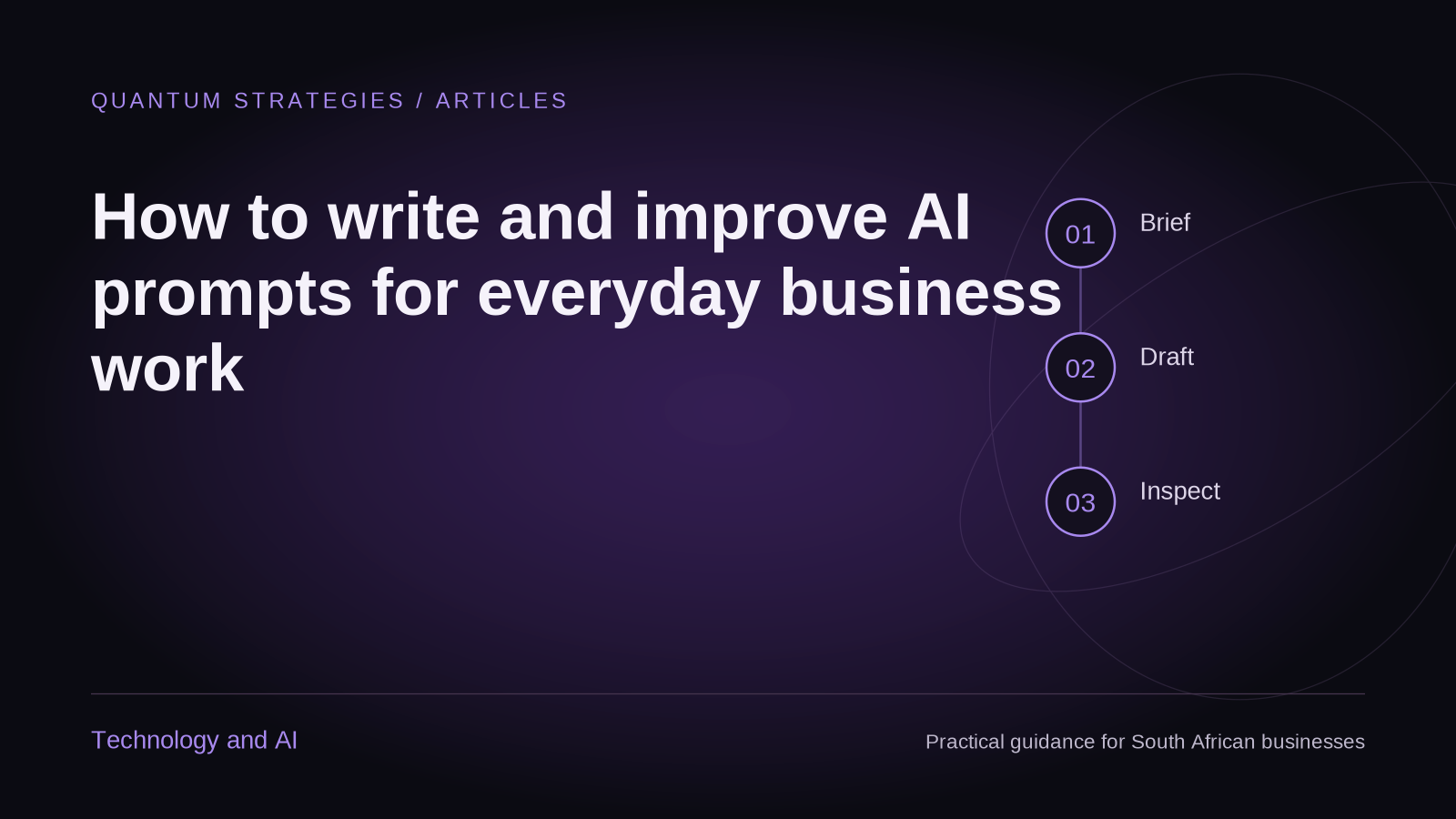
Brief
Task, facts and limits
Draft
A reviewable output
Inspect
Specific defects or gaps
Revise
Change and check again
Original prompt-review cycle; clear instructions do not guarantee factual accuracy.
Define the job before writing the prompt
Ask yourself who will use the output and what decision or action it should support. “Help with marketing” is broad. “Draft a short explanation of this service for an owner comparing providers” gives the task a clearer purpose.
Official OpenAI prompting guidance describes useful elements such as the goal, context, output and boundaries, while noting that a rigid formula is unnecessary. Use only the elements that help with the task. For a simple rewrite, one clear sentence may be enough; a business document with commitments needs more source detail and review.
Separate source facts from instructions
Provide the approved information the draft may use. Label it clearly so the assistant can distinguish your instructions from a quoted customer message, article or document. Tell it how to handle missing facts. “Mark the price as needing confirmation” is safer than leaving room for a plausible invented number.
Only use information you are authorised to share with the chosen tool. If you are practising, create a fictional example. A realistic prompt does not require real customer names, private contracts or employee records.
| Prompt element | Practical question |
|---|---|
| Task | What should the assistant produce or change? |
| Audience | Who needs to understand or use it? |
| Source | Which facts or documents may it rely on? |
| Output | What format and level of detail will be useful? |
| Boundary | What must remain unchanged or require approval? |
Worked example: draft a service enquiry reply
This example is fictional. Source facts: a business offers a scoped review of an inventory process; the fee and schedule must be confirmed after discussion; the next step is a short enquiry call. The assistant must not promise a stock reduction or invent a price.
A suitable prompt is: “Draft a friendly reply to an owner asking about our inventory-process review. Use only the source facts below. Explain that scope, fee and timing are confirmed after discussion. Ask which part of stock handling is causing difficulty. Keep the reply under 150 words. Do not invent results, prices or availability. List any missing facts separately.”
The word limit is a practical constraint for this example, not a rule for good prompting. You could change it to suit the communication. The important point is that the output can be checked against a small set of explicit facts.
Review the response before asking for a revision
Read the draft as the intended recipient. Does it answer the question? Does it use the correct facts? Has it added a promise, assumption or claim that was not authorised? Is the next step clear?
Mark the specific issue. If the response is too technical, identify the unfamiliar terms. If it sounds generic, ask it to use a particular verified detail. If it omits a limitation, state the exact limitation that must appear. Do not assume that asking for confidence or more persuasive wording improves factual reliability.
Give a focused revision instruction
A revision should say what to change and what to preserve. For example: “Keep the offer and next step unchanged. Replace the phrase ‘optimise inventory performance’ with a plain explanation of checking stock records, ordering and handovers. Remove the sentence that implies guaranteed savings.”
Where the problem is factual, correct the source or identify the unsupported statement before revising. Adding more stylistic instructions will not fix missing evidence. If the assistant cannot produce a dependable result, reduce the task or complete that part manually.
- Name the defect: missing fact, unclear wording, wrong format or unsupported claim.
- Provide the correction or the relevant source.
- State what must remain unchanged.
- Review the revised version again, including parts you did not ask to change.
Test a reusable prompt with different cases
A prompt that works on one example may fail when the source is incomplete or contradictory. Try a normal case, a case with missing information and a case where the requested outcome is outside the business’s scope. Use fictional inputs for practice.
Check whether the assistant identifies the gap or invents a solution. For an enquiry reply, test a request for an unavailable service and an unconfirmed deadline. The preferred response should explain the limitation and suggest an appropriate next step without creating a new commitment.
Save the workflow, not just the wording
Store the prompt with its purpose, permitted inputs, example output and review checklist. Add an owner and revision date. This lets another person understand when the prompt is suitable and when it needs changing.
A shared template might include placeholders for the source facts and audience. Make the placeholders obvious, and check that none remain before using the output. Do not include private sample data in a public template or allow an old example price to be mistaken for a current offer.
Build prompt-writing skill through real review
Quantum Strategies’ Practical AI for Everyday Business course includes instruction-writing and reviewed business workflows. Its public overview can help you decide whether the learning focus fits your needs. Training and development support can address team-wide habits around source checking and approval.
Good prompting improves the clarity of the request. It does not remove the need to verify facts, calculations, source references or professional judgements. Keep responsibility for the final business communication with the person authorised to approve it.
Common questions
Do longer prompts always produce better answers?
No. Include detail that changes the task or prevents an important mistake. Repetition and unrelated instructions can make a request harder to interpret and review.
Should I ask the AI to check its own work?
That can help identify omissions, but it is not independent verification. Compare important claims with the original source and use suitable tools or qualified people for calculations and specialist decisions.
Sources and further reading
Official and specialist sources checked on 28 October 2026. Examples and diagrams in this article are illustrative.
- OpenAI: PromptingFlexible prompting elements and iterative follow-up. The business prompt, revision example and test cases are original, not copied from OpenAI examples.