What to take away
- Choose bounded tasks with checkable inputs.
- Assign human review before using the output.
- Measure total effort and quality, not just drafting speed.
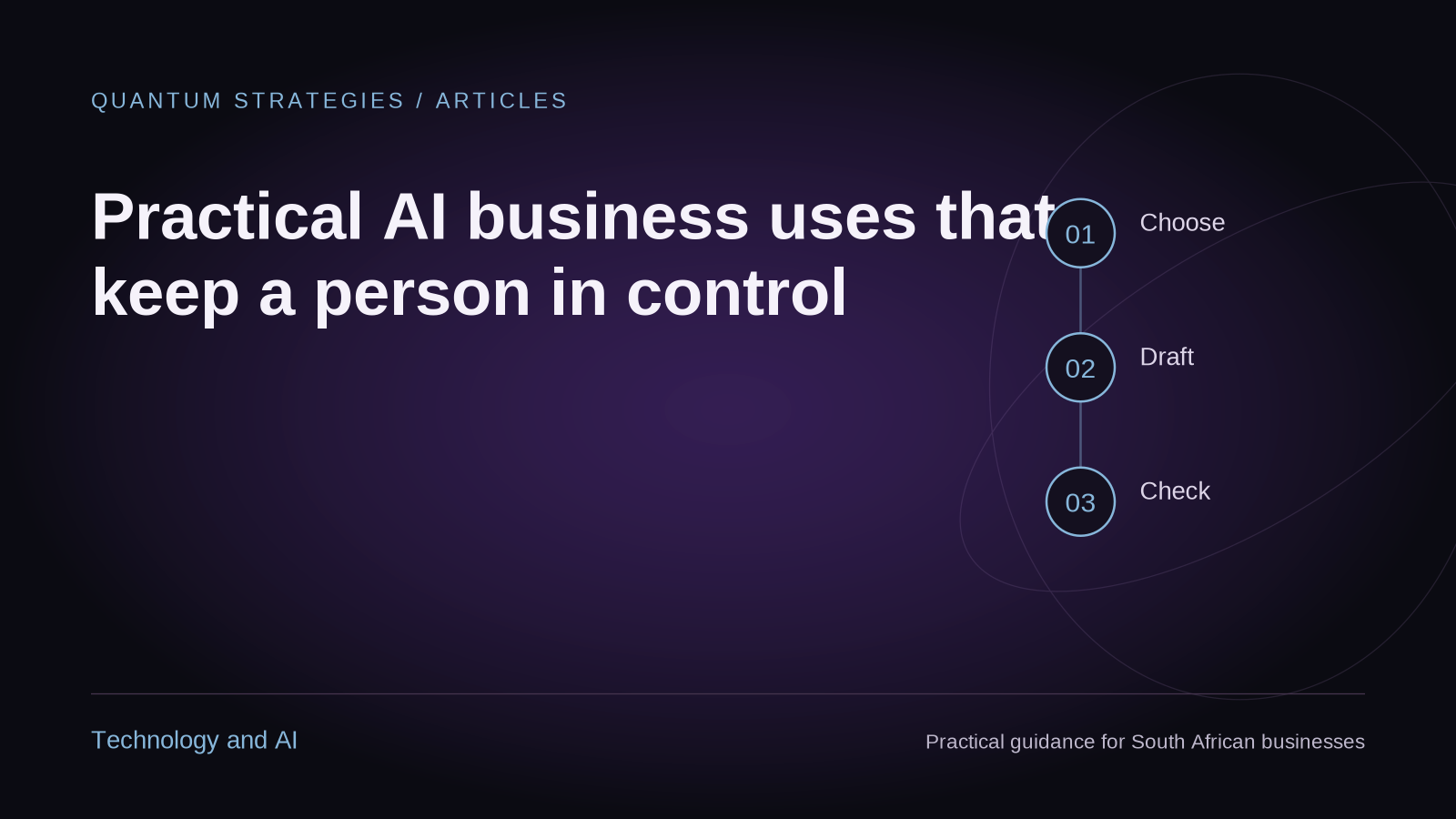
Choose
Bounded, suitable task
Draft
Approved source material
Check
Facts, calculations and promises
Use
Authorised human approval
Original illustrative workflow: an AI draft is checked and approved before business use.
Choose a task that is easy to describe and verify
A good first task has a defined input, a manageable output and a reviewer who can recognise an error. Drafting an internal update from approved notes is usually easier to evaluate than asking a tool to decide a complex business strategy from little context.
OpenAI’s accuracy guidance explains that ChatGPT can produce confident errors, including fabricated references. Treat fluent wording as a draft to assess, not evidence that the content is correct. The check should fit the consequence of an error, and some tasks may be unsuitable for your chosen tool or information-handling arrangements.
Use AI for a draft based on approved facts
Customer messages, meeting summaries and procedure outlines can be useful practice tasks when their inputs are suitable for the tool. Ask for a specific output and make the boundaries explicit. For example, a draft may explain a confirmed delivery delay without inventing a replacement date or offering a discount.
The reviewer should compare every commitment with the source material. A pleasant tone does not make an unauthorised promise acceptable. Keep the person who can approve the message in the workflow before anything is sent.
| Possible task | Human check before use |
|---|---|
| Draft an email from approved notes | Facts, tone, recipient and commitments |
| Summarise a meeting | Decisions, owners and uncertain points |
| Suggest a checklist | Missing steps, safety and actual process |
| Organise customer questions | Accurate categories and appropriate information handling |
| Outline content ideas | Relevance, factual claims and rights to source material |
Keep information permissions separate from usefulness
Information can be useful to a task without being appropriate to upload. Before using a tool, confirm your organisation’s approved account, settings and permitted information types. Check relevant supplier terms and internal policies rather than assuming that all products or account types handle information identically.
Use fictional or properly de-identified practice material when learning. Removing a name may not remove every identifying detail. Avoid pasting passwords, financial credentials, private employee records or confidential client material into an unapproved service. Where real information is necessary, use the authorised workflow and obtain appropriate privacy or security advice.
Worked example: a delayed-order email
This fictional source note says: “Order received Monday. Supplier has confirmed a delay. Revised date is not yet confirmed. Customer may contact the service desk for an update.” The task is to draft a short, calm email using only these facts.
A useful review checks whether the output invents a delivery date, apologises on behalf of someone without authority or promises compensation. The reviewer can ask for a revision that preserves the confirmed facts and clearly states what remains unknown. The final message is approved and sent by the responsible person, not automatically by the drafting exercise.
Use summaries without losing uncertainty
When summarising notes, ask the tool to distinguish decisions from suggestions and to mark missing owners or dates. Compare the output with the original. A neat action list can conceal an important problem if it turns a tentative discussion into an agreed instruction.
For numerical work, verify calculations in an appropriate calculator or spreadsheet and check that the inputs use the correct units and period. For external facts, open the supporting source and confirm that it actually supports the statement. Asking the same model whether it is correct is not an independent verification method.
Write a small workflow card
Record the task, permitted inputs, prompt, output format, reviewer and approval step. Include the errors that would make the output unusable. This is more useful for a team than saving a clever prompt without explaining when it should be used.
- Owner: who is responsible for the final work?
- Input: which source information is approved and current?
- Check: what must be compared, calculated or confirmed?
- Boundary: what may the tool draft, and what may only a person decide?
- Fallback: what happens when the output is incomplete or unreliable?
Test value with a small, honest comparison
Try the workflow on a few comparable practice tasks. Record preparation, review and correction time as well as drafting time. Note errors and unusable outputs. A fast first draft may still take longer overall if it needs extensive checking.
Do not extrapolate one successful example into a guaranteed productivity saving. Decide whether to continue, simplify or abandon the workflow based on the quality and effort observed. Repeat the check when the task, source material or tool changes.
Build capability before expanding automation
Quantum Strategies’ Practical AI for Everyday Business course focuses on selecting tasks, writing clear instructions, checking outputs and developing reviewed workflows. Its public overview explains the learning scope and access enquiry route. IT consulting can help scope technology and process requirements where a business wants to go beyond individual practice.
Keep higher-impact decisions, including legal, financial, employment and safety matters, with appropriately qualified and authorised people. AI-generated wording should not be presented as professional approval or as a substitute for checking the underlying decision.
Common questions
Can AI send customer replies automatically?
Some systems can be configured to act, but drafting capability is not sufficient reason to allow it. Start by verifying the task, permissions, error handling and approval requirements; this guide assumes human review before sending.
How do we know whether a task is worth using AI for?
Compare complete effort and output quality on representative tasks. Include preparation and checking time, and stop if the result is unreliable or creates more work than it removes.
Sources and further reading
Official and specialist sources checked on 28 October 2026. Examples and diagrams in this article are illustrative.
- OpenAI: Does ChatGPT tell the truth?Confident inaccuracies and fabricated references; verify important information. All workflow cards and fictional business examples are original.